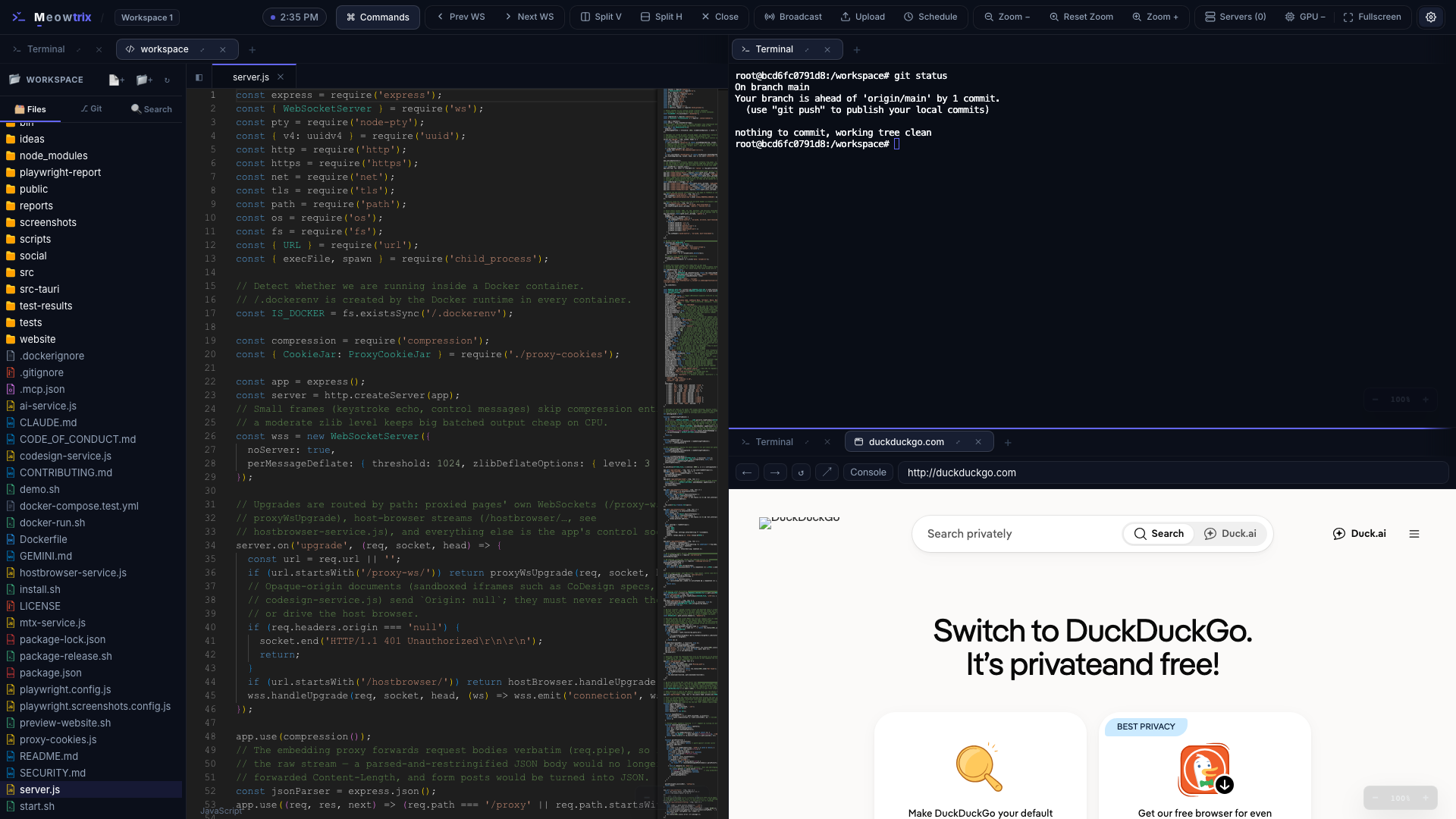
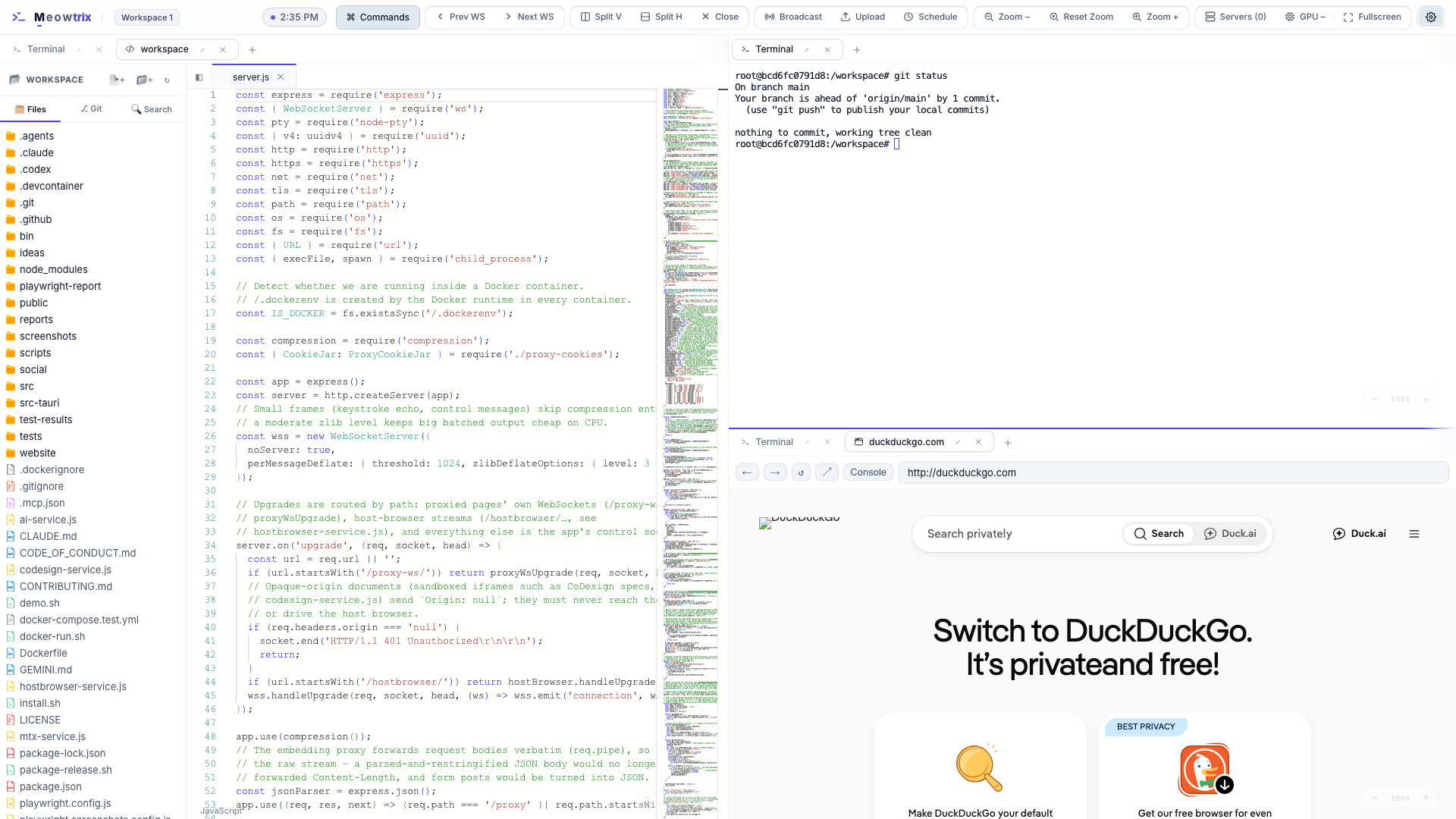
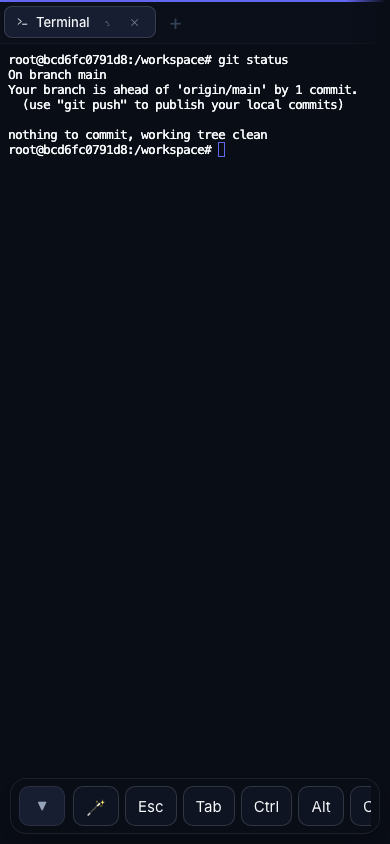
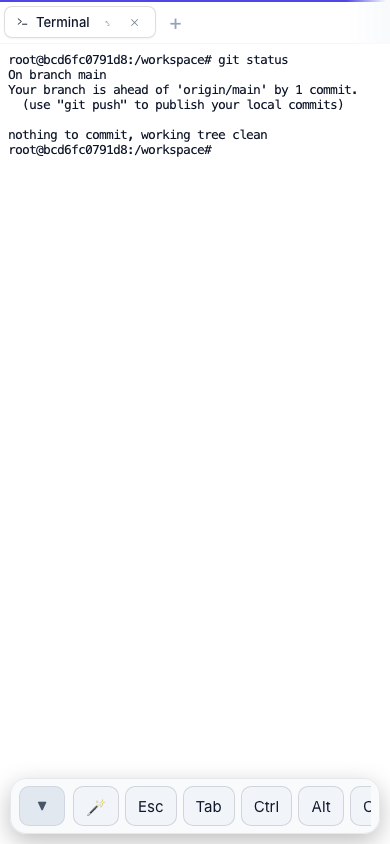
See it in action
One server on your host, a full workspace in any browser.
Run it on your host.
Reach it from anywhere.
Start the server once on your machine; open the workspace from any browser on the network — or anywhere through a tunnel.
- Shells and layout live on the host, not the tab
- Hop from laptop to phone — your session follows
- Refreshes and dropped connections reattach automatically
Split into as many panes as you need.
Split vertically or horizontally and drag the dividers to resize. Each pane holds tabs: terminals (local or SSH), browsers, code editors, and review tabs for your agents.
- Side-by-side or stacked — split with
⌘\/⌘- - Flat splits with proportional, resize-proof sizing
- Drag tabs within a pane or across panes
- Four workspaces, each with its own layout —
⌘←/⌘→
A real browser, in a pane.
Open a browser tab right next to your terminal. A server-side proxy strips frame-blocking headers, so pages that normally refuse to embed render anyway — and when a site needs the real thing, there's a real browser for that too.
- Preview your dev server beside the shell building it
- Host Browser tabs stream a real Chromium on the host, so Google sign-in and OAuth work, even from your phone
- In the desktop app, browser tabs are native webviews
Your agent shows you its work.
Run Claude Code, Codex or Gemini in a Meowtrix terminal and it can drive the layout around it, without stealing your focus.
mtx openputs its dev server in a browser tab beside it;mtx editopens the code- CoDesign tabs: review a living HTML spec, pin comments, and send feedback or sign off
- The same actions as MCP tools —
mtx mcp --install - Queue an Enter for when your usage quota resets
Where do you want to go?
Four ways into the project.
User Documentation
Install Meowtrix, learn the panes-and-tabs workflow, terminals, the browser, settings, and mobile use.
Learn the product →Developer Docs
How the project is structured: the single server, PTY lifecycle, session coordination, the proxy, and the frontend module map.
Understand the code →Live Demo
A serverless build running entirely in your browser — terminals become a JavaScript REPL. No install, nothing to set up.
Open the demo →Source on GitHub
Read the code, file issues, and grab the one-line installer or the macOS app. MIT licensed, no build step, plain ES scripts.
View repository →What makes it tick
Small, sharp, and built to survive a flaky connection.
Tiling panes & tabs
Split vertically or horizontally; drag dividers to resize. Each pane holds tabs — terminals, browsers, code editors and more.
Persistent PTYs
Shells outlive the WebSocket. Refresh, switch devices, or hit a network blip — the server replays the buffer and reattaches.
Code editor & Git
Monaco editor with a file tree, side-by-side Markdown/HTML Preview, and a Source Control panel with AI-powered commit messages.
Scheduled Enter
Queue Enter key presses to fire into terminals automatically (e.g. after quota resets). Lives server-side to survive disconnects.
On-device Chat Pet
A customizable desktop pet companion (Mochi) powered locally by Google Chrome's built-in Gemini Nano model.
Keystroke Combo FX
Reward your typing streaks with interactive visuals: particle bursts, screen shake, edge glow, and heat readouts.
Self-updates
Get notified of updates via in-app banners, update & restart from the workspace, then see what's new — and what got fixed.
Mobile-ready
An on-screen key bar with sticky Ctrl/Alt/Cmd modifiers, double-tap autocomplete, and a layout that reflows for touch.
Embedded browser
A server-side proxy strips frame-blocking headers so otherwise un-embeddable pages render right inside a pane; the desktop app uses native webviews.
Host Browser
A real Chromium on the host, streamed into a tab. Google sign-in and OAuth work, and the signed-in profile follows you between devices.
Agent tools & MCP
mtx open, edit, notify and browser let agents show you pages and code beside their terminal — also as MCP tools.
CoDesign reviews
Review an agent-written HTML spec in device frames, pin comments to elements, then send feedback or approve — no MCP setup needed.
macOS desktop app
Standalone or Lite editions, with a quick overlay that drops your workspace from the notch on ⌥Space — even over full-screen apps.
SSH & workspaces
Open SSH tabs from your ~/.ssh/config, and keep four workspaces with their own layouts a keystroke apart.
Single active session
Server-coordinated handoff across devices: the newest client claims the workspace; others see a "move session here" overlay.
Command palette
Press ⌘K (or Ctrl/⌘+Shift+P) for a fuzzy launcher — split panes, open tabs, switch panes, broadcast, themes, settings, schedules, updates.
Localhost by default
Binds to 127.0.0.1 so it's off the network until you opt in with --network. Tunnel in over SSH for safe remote access.
Linear Slate & OLED
Engineered developer tool aesthetic in light and dark modes, plus Retina OLED high-contrast black — terminals themed from the same CSS variables.