TS TapStory
Audio-only by default

Tap a toy. Hear a story. The screen never even turns on.

TapStory turns an old iPhone into a screen-free storytelling box. By default, tapping a toy or card plays sound only -- the screen stays exactly as it is, even while a story is playing, as close to "not a screen" as a phone can get. Tap a stuffed monkey, hear a story about a magic monkey. Tap a letter card, hear that letter and a matching word. Nothing to look at, ever, unless you turn that on yourself.

Coming soon to the App Store. No accounts, no ads, no data collection -- ever.
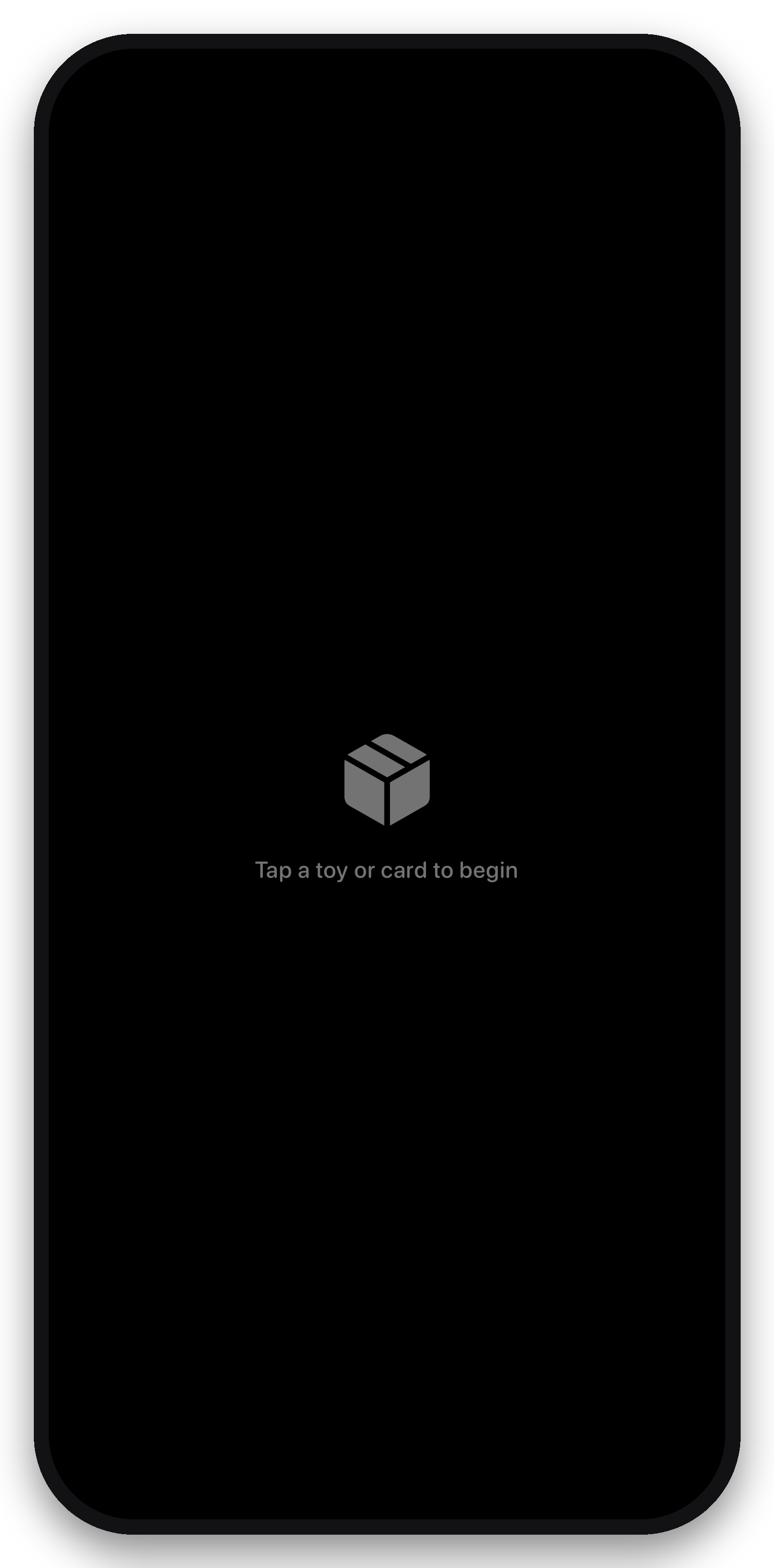
TapStory's locked screen: a plain black screen with a small grey box icon and the words 'Tap a toy or card to begin'. This is also exactly what's on screen while a story is playing, by default.

This is the screen. Also while a story is playing.
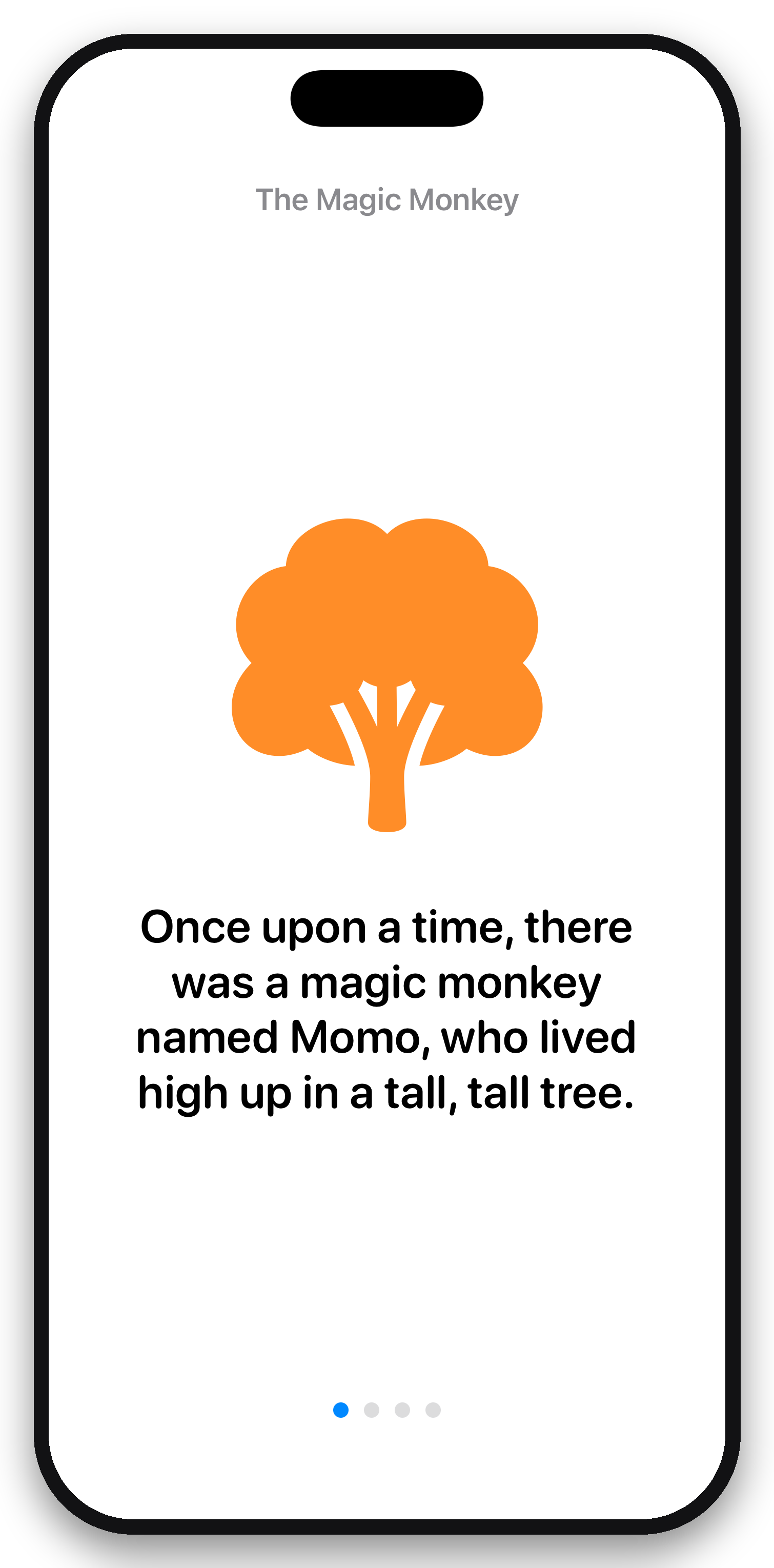
TapStory playing 'The Magic Monkey' story with Screen Display turned on, showing a tree illustration and on-screen narration text.

Optional: turn on Screen Display to see it too.
How it works

Set up once, then hand the phone to your toddler with confidence.

1

Stick a tag on a toy

A cheap NFC sticker on the bottom of any toy or a laminated card -- no special hardware.

2

Record or type a story

Type what should be said (spoken on-device, no recording needed) or use your own voice.

3

Turn on Guided Access

iOS's built-in Guided Access locks the phone to just this app -- no Home button, no App Switcher.

4

Hand it over

Your child taps the toy against the phone and hears a story. The screen doesn't change -- that's the point.

What your child sees

By default: nothing, ever -- the first screenshot below is what's on screen the entire time a story, card, or song is playing. The rest show the optional Screen Display mode, for anyone who wants it.

Control it from your wrist

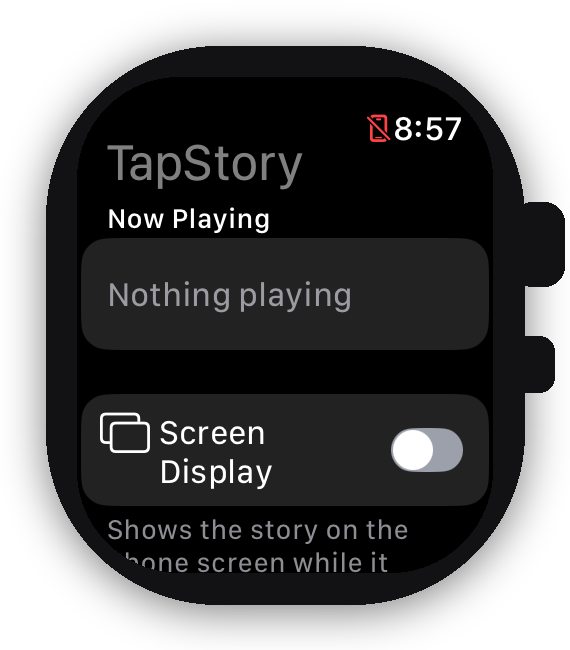
The Apple Watch companion app exists for one reason: acting on the phone should never mean picking up the phone your toddler is holding.

TapStory's Apple Watch app, showing Now Playing, a Screen Display toggle, and a list of saved tags to play remotely.
  • Toggle Screen Display on or off without touching the phone.
  • Stop playback -- a "that's enough for now" button, right on your wrist.
  • See what's playing at a glance.
  • Start a saved story or song from "My Tags" -- no physical tag needed.

Talks to the phone over a direct, local connection between your paired devices -- no internet, no account, same as everything else in TapStory.

Why it's built this way

Every design choice traces back to one idea: the phone should feel like an appliance, not a screen.

🔒

Audio-only by default

Tapping a tag plays sound -- the screen doesn't change at all, even mid-story. Visuals are an opt-in toggle in Settings, off unless you choose otherwise. The app also locks itself and ignores every touch except an invisible parent gate; pair it with iOS Guided Access and there's nothing else on the phone to reach either.

🎤

Type it or say it

Type a sentence and TapStory speaks it on-device -- no recording required. Or use your own voice for a more personal touch.

🏷️

Any toy, any card

A couple of dollars of NFC stickers turn any stuffed animal, book, or flashcard into a "magic" one, matched to a story you choose.

👤

Built for parents

A hidden parent gate keeps settings, recording, and tag-writing out of reach of curious little hands.

🔒

No accounts, ever

Nothing to sign up for, nothing syncing to a server. Everything you create stays on that phone.

📈

Grows with your kid

Stories today, alphabet and vocabulary cards tomorrow -- add new tags any time, at your own pace.

Apple Watch remote

Toggle Screen Display, stop playback, or start a saved story from your wrist -- so you never have to reach for the phone your toddler is holding.

No data collection

TapStory doesn't have an internet connection to talk to. No analytics, no ads, no tracking -- not even anonymized.

Everything stays on-device

Recordings, stories, and your tag library are stored only in this phone's local storage. Nothing is ever uploaded.

Built for kids' privacy

No accounts means no personal information is ever collected from a child, intentionally or otherwise.

Read the full Privacy Policy and Terms of Use.